
Reagan National Economic Forum App
How to Download
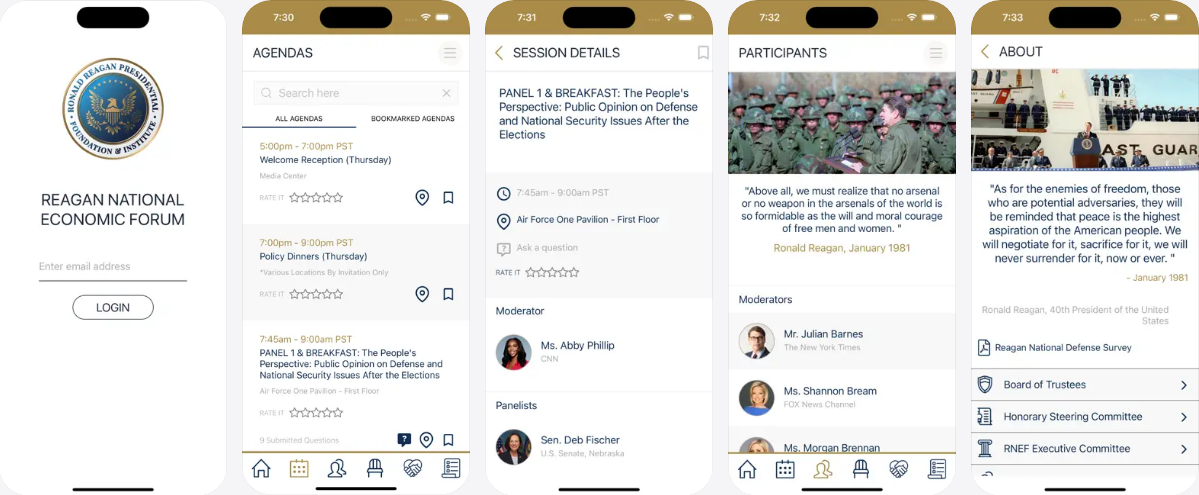
Get the RNEF App from the Google Play Store on Android devices or the App Store on iPhones.


How To
Welcome to the Reagan National Economic Forum (RNEF)!
The RNEF app is your guide to everything on-site at the Reagan Library. Use the app to:
Browse and bookmark panel sessions
Submit questions for panelists
Find your seat for breakfast and lunch
Find your parking assignment (if applicable)
Learn about RNEF, the Reagan National Economic Survey, and more!
Where to start?
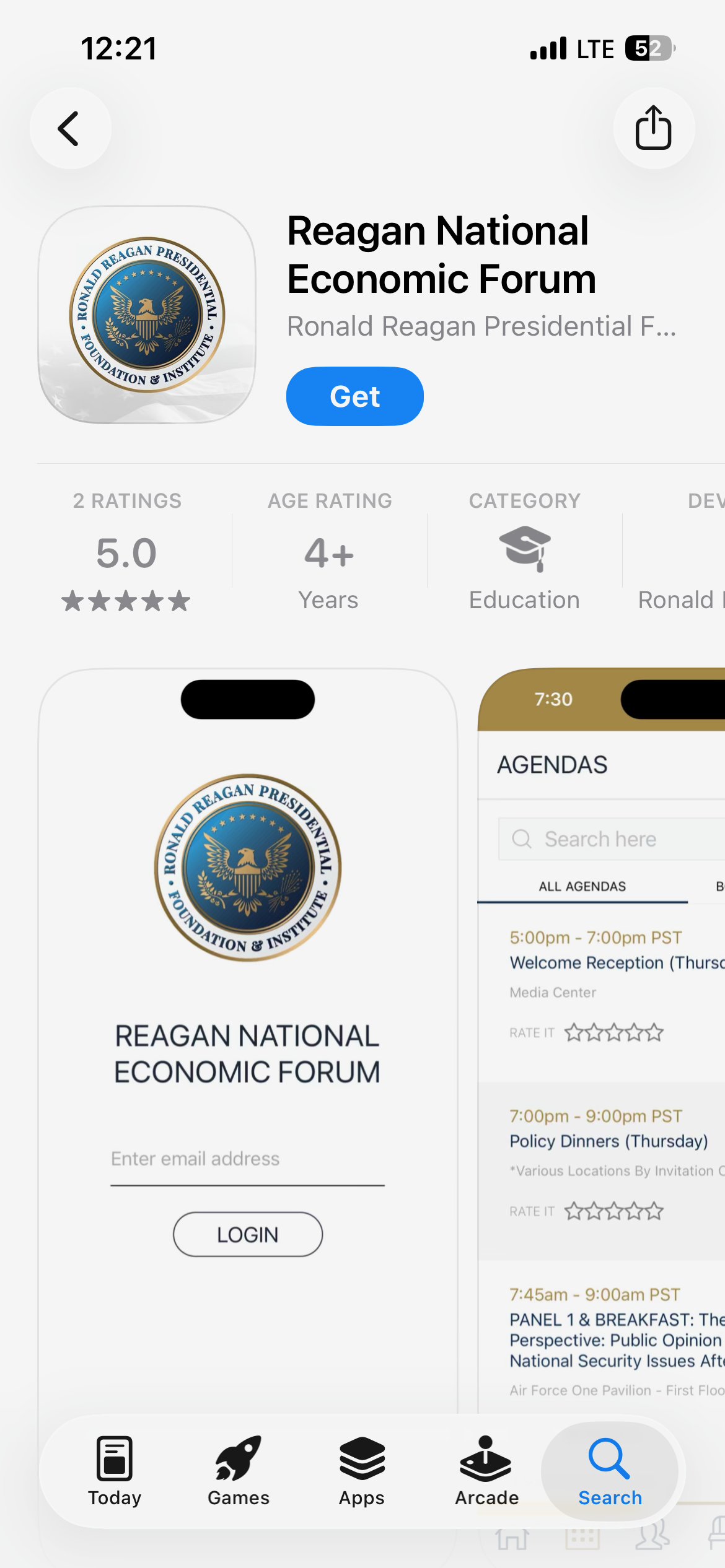
Using your smartphone, search for “Reagan National Economic Forum” in your devices App Store.
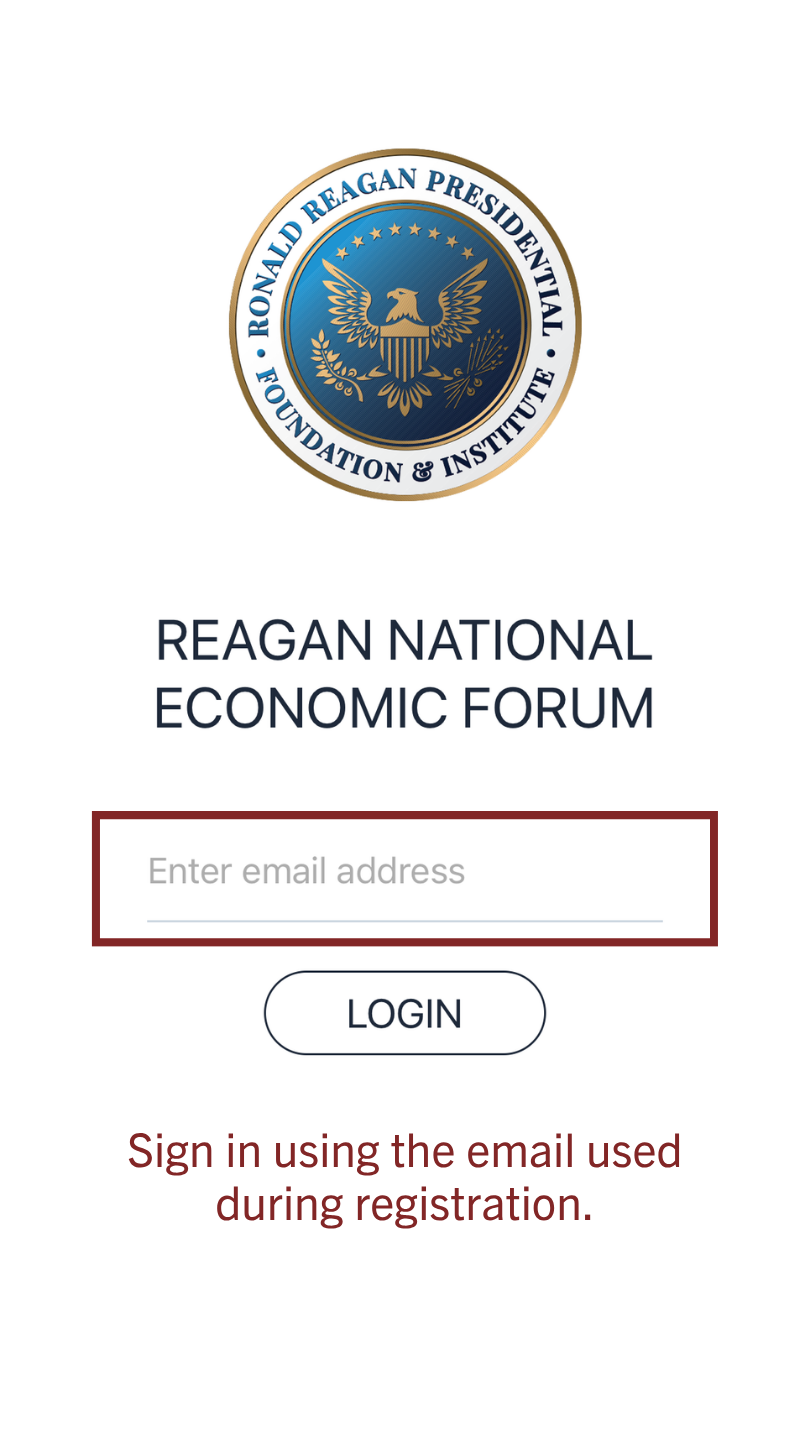
Sign in using the same email associated with your registration.
It will send an email with a confirmation code number.
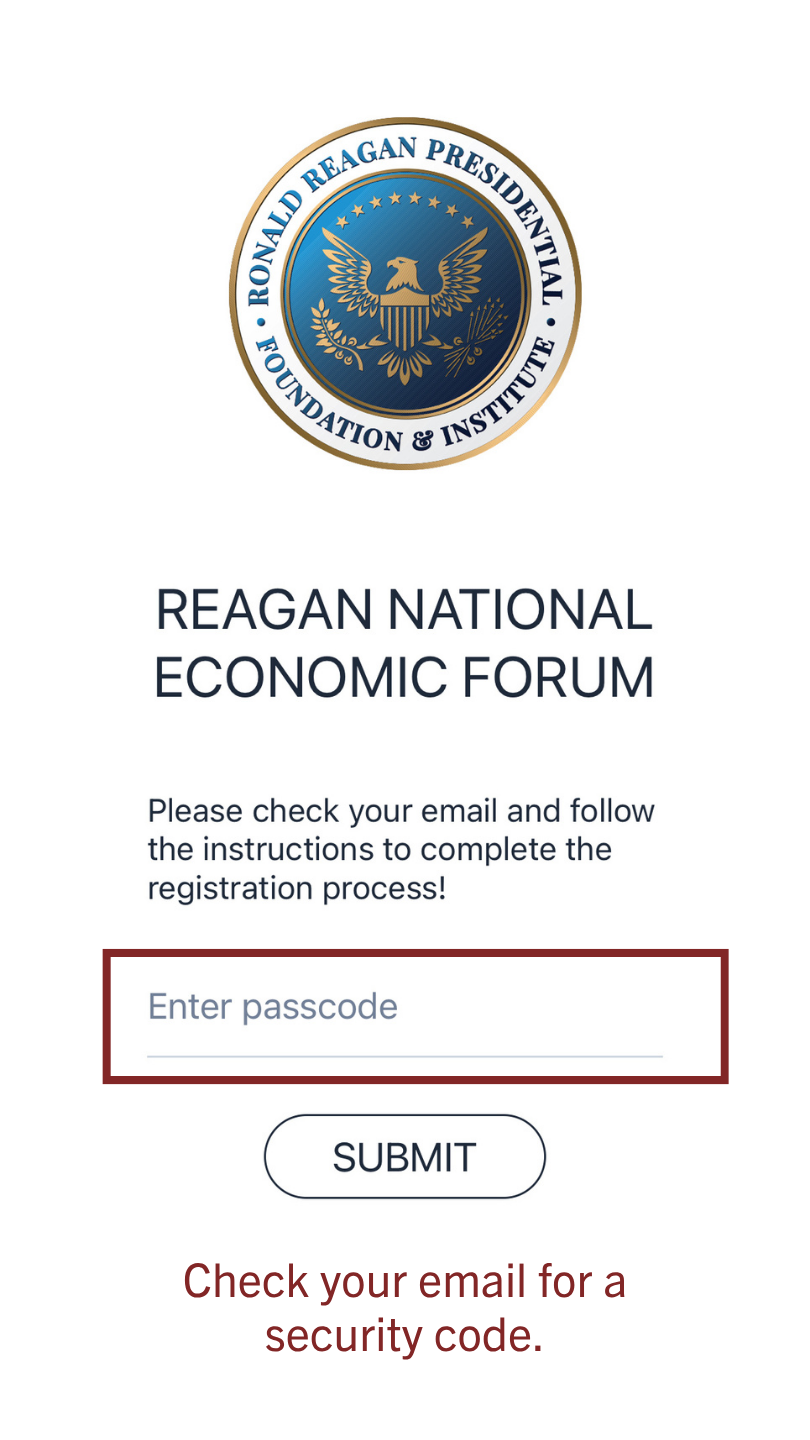
Check your email for a security code. Please check your spam folder. If you do not receive an email, please double check the email used during registration.
Once you confirm the security code, you will have full access to the RNEF app.
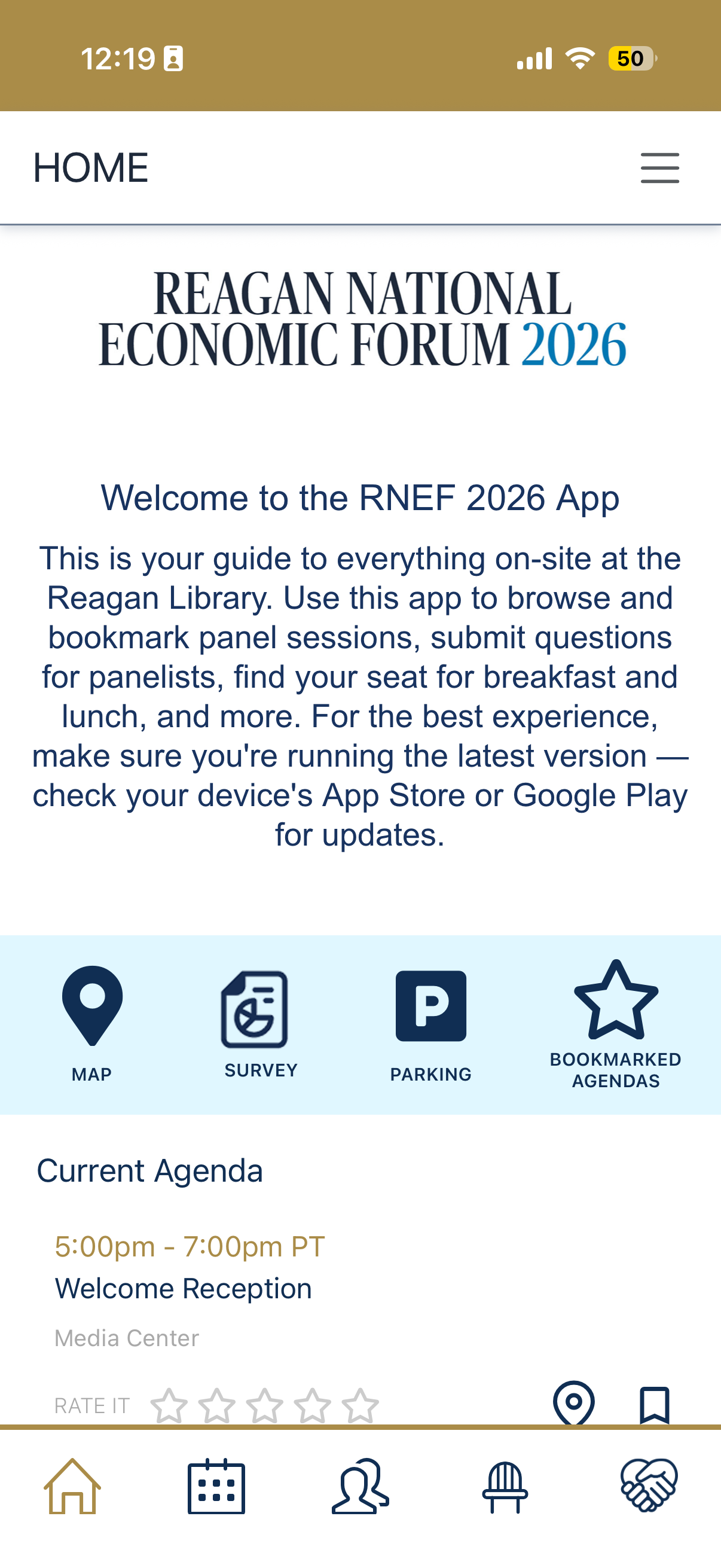
On the Home Screen, you will find access to our Campus Map, Economic Survey, Parking Assignment, and Bookmarked Agenda sessions.
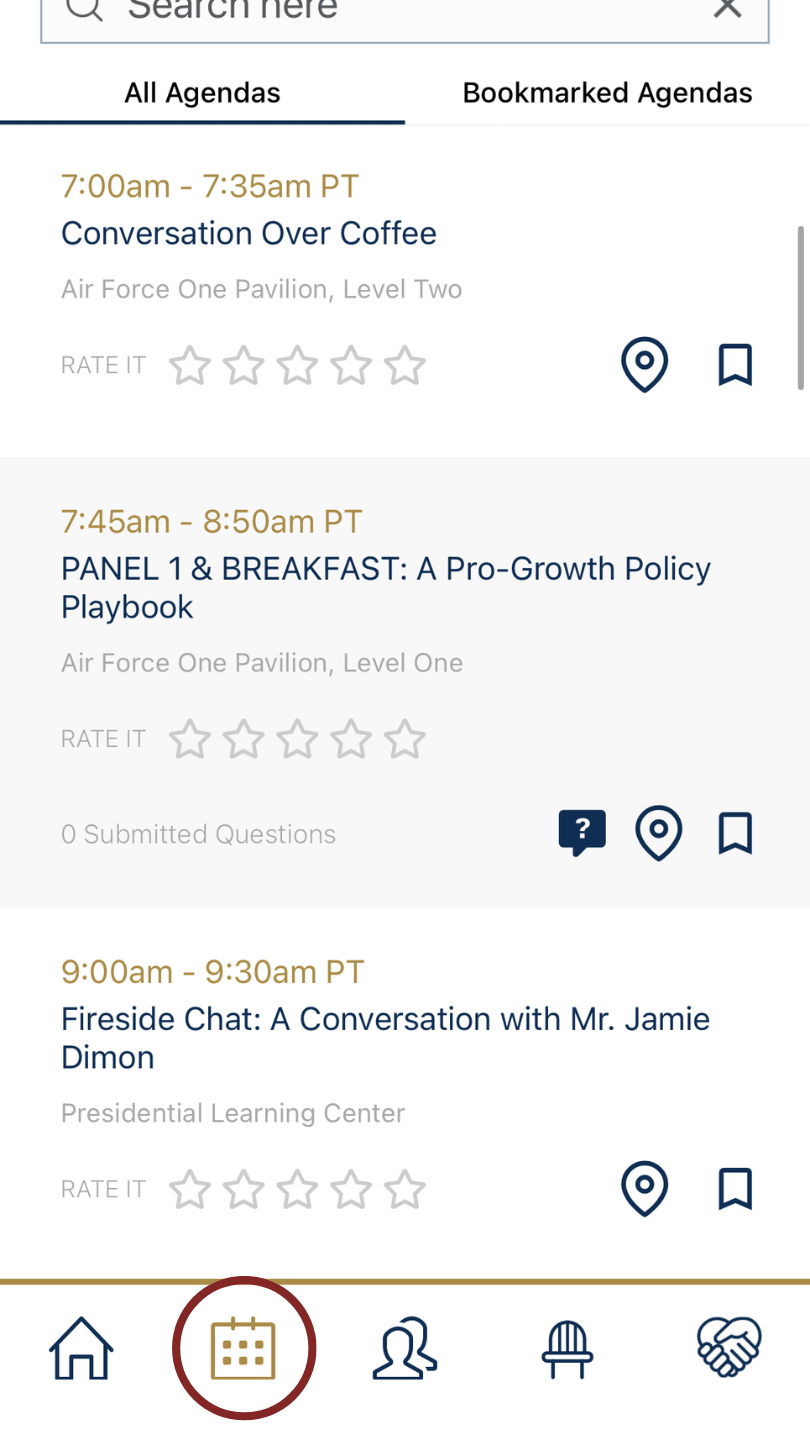
You can also find programing details on the Agenda tab.
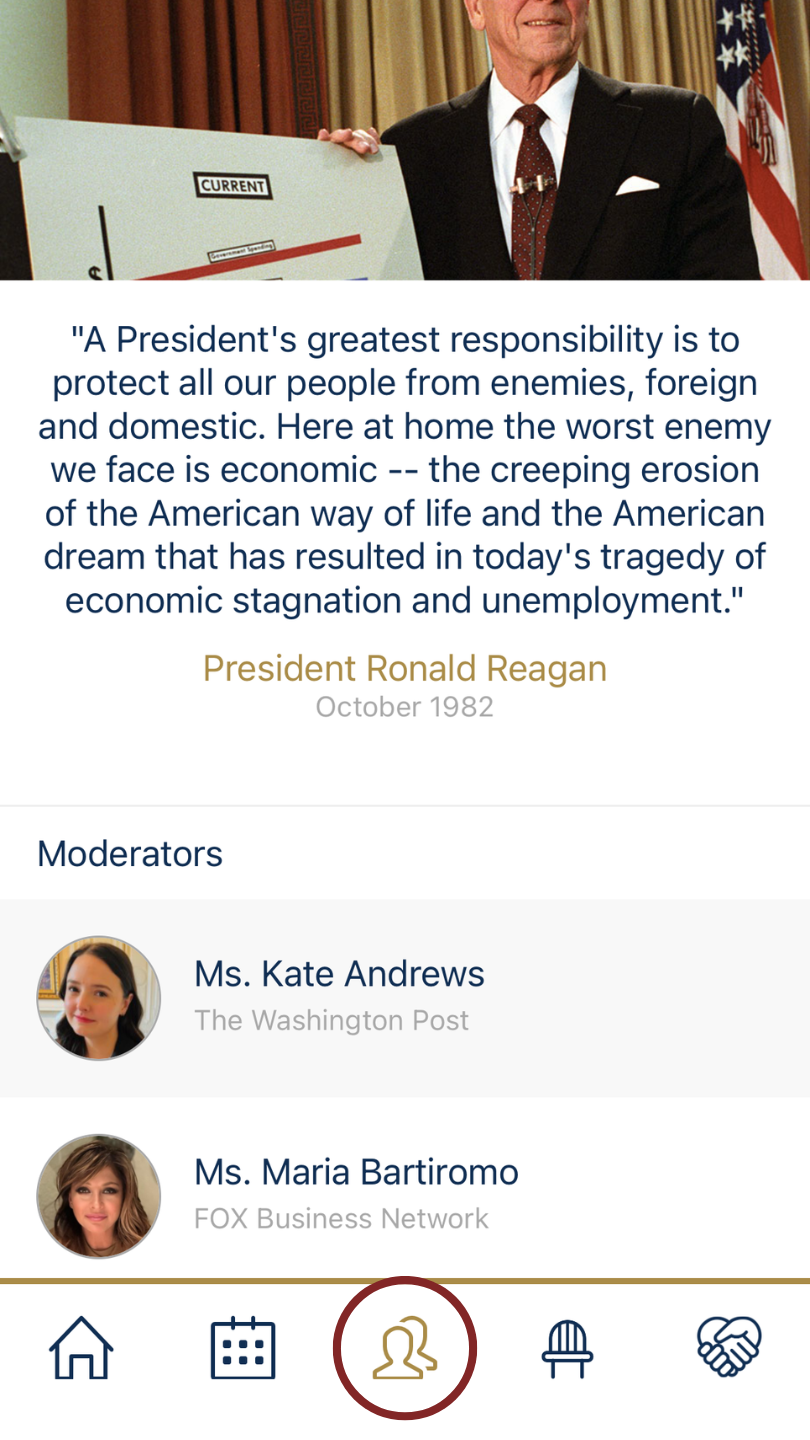
Find a list of our moderators and panelists on the Participants tab.
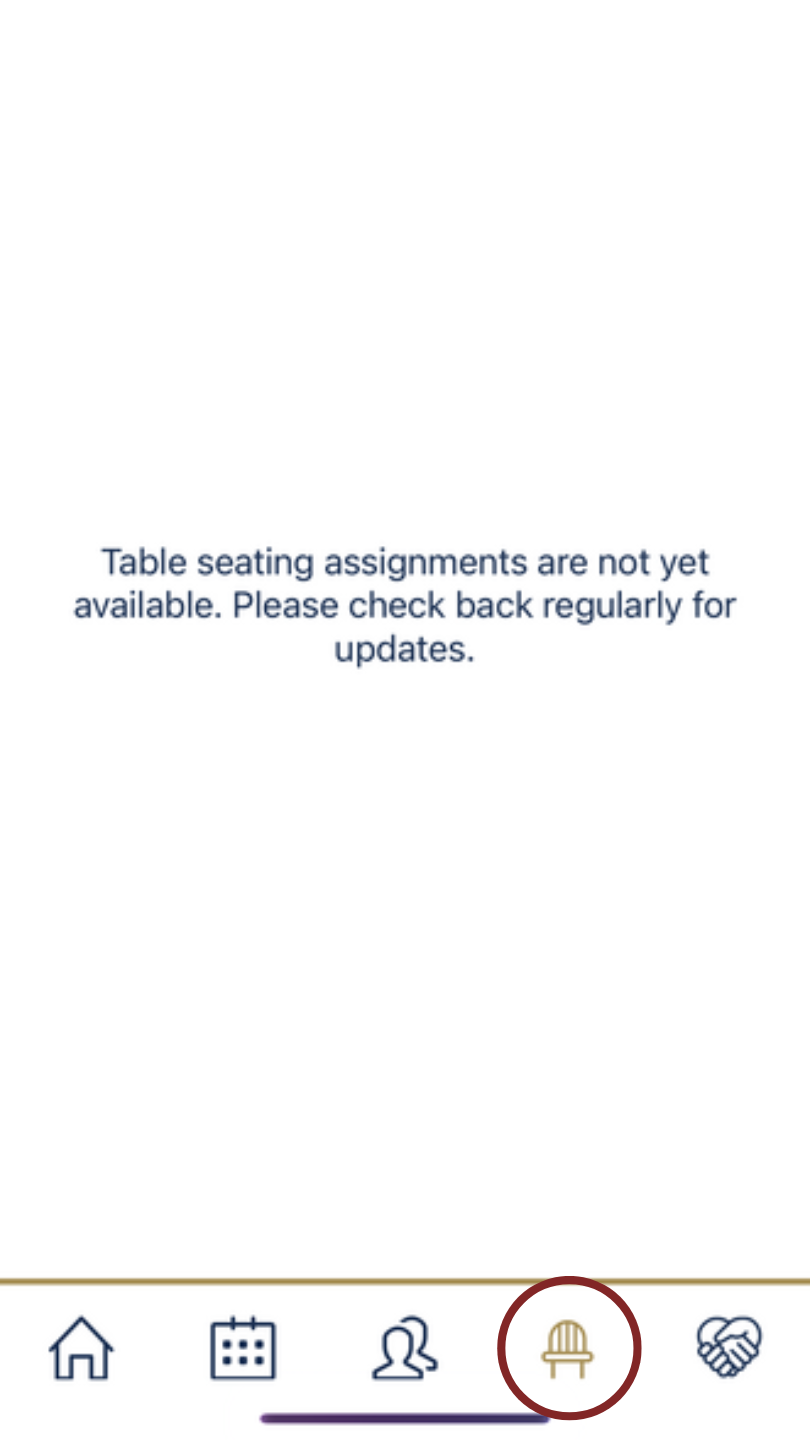
For breakfast and lunch, use the Seating Assignment tab to find your table.
If you have any questions or need assistance, please contact our team at RNEF@reaganfoundation.org.
We hope you enjoy the 2026 Reagan National Economic Forum!